
Independent interface references
Mac volume keys.Five documented setups.
Five photographed studio setups document VolumeKeys controlling selected Mac playback routes with F10, F11 and F12. Two guides also cover the wider Focusrite Scarlett and SSL 2 families.
This is a reference-guide library, not an exclusive support list. VolumeKeys is designed for compatible Core Audio outputs beyond the models below. The seven-day trial lets you check your own Mac, driver and output route directly.
Try your setup free for 7 daysFive documented reference setups
Choose your interface.
See the exact workflow.
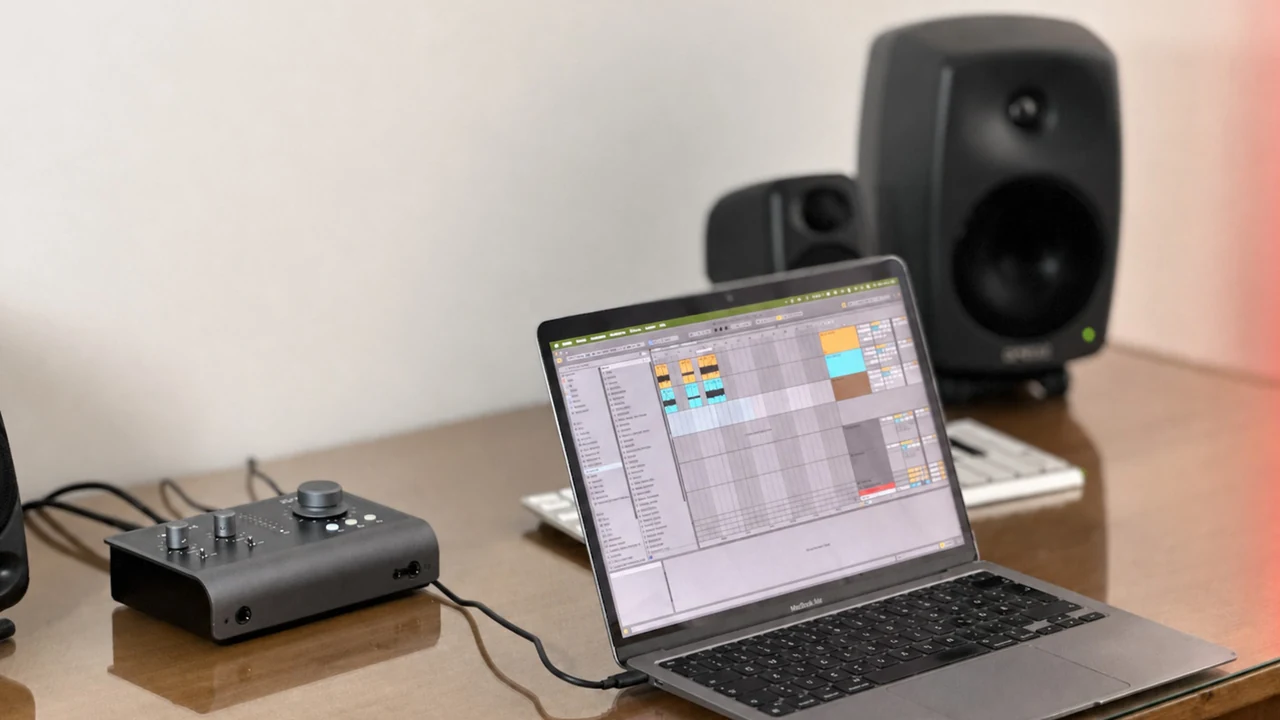
Audient iD14 MKII
In our reference setup, the selected route responded to F10–F12 while the iD14 encoder kept its hardware role.
Open the interface guide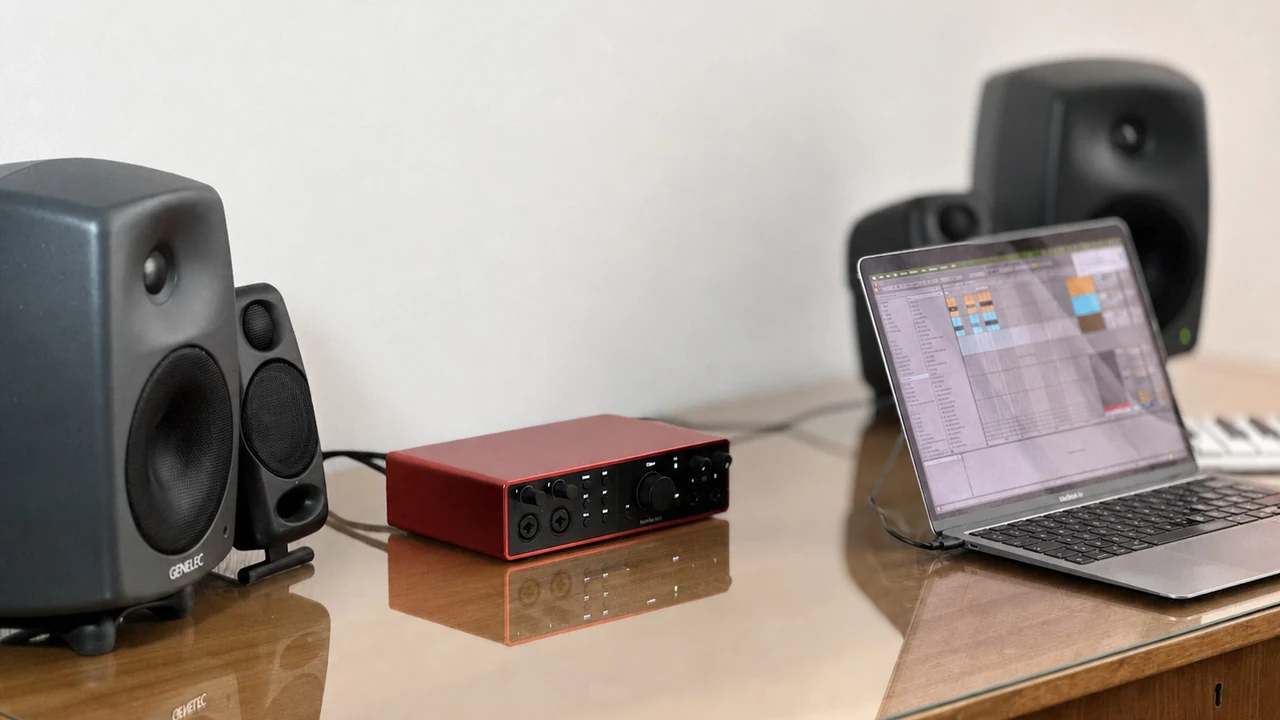
Focusrite Scarlett interfaces
Use F10–F12 with a compatible Scarlett stereo output while Focusrite Control 2 keeps its routing role.
Open the family guide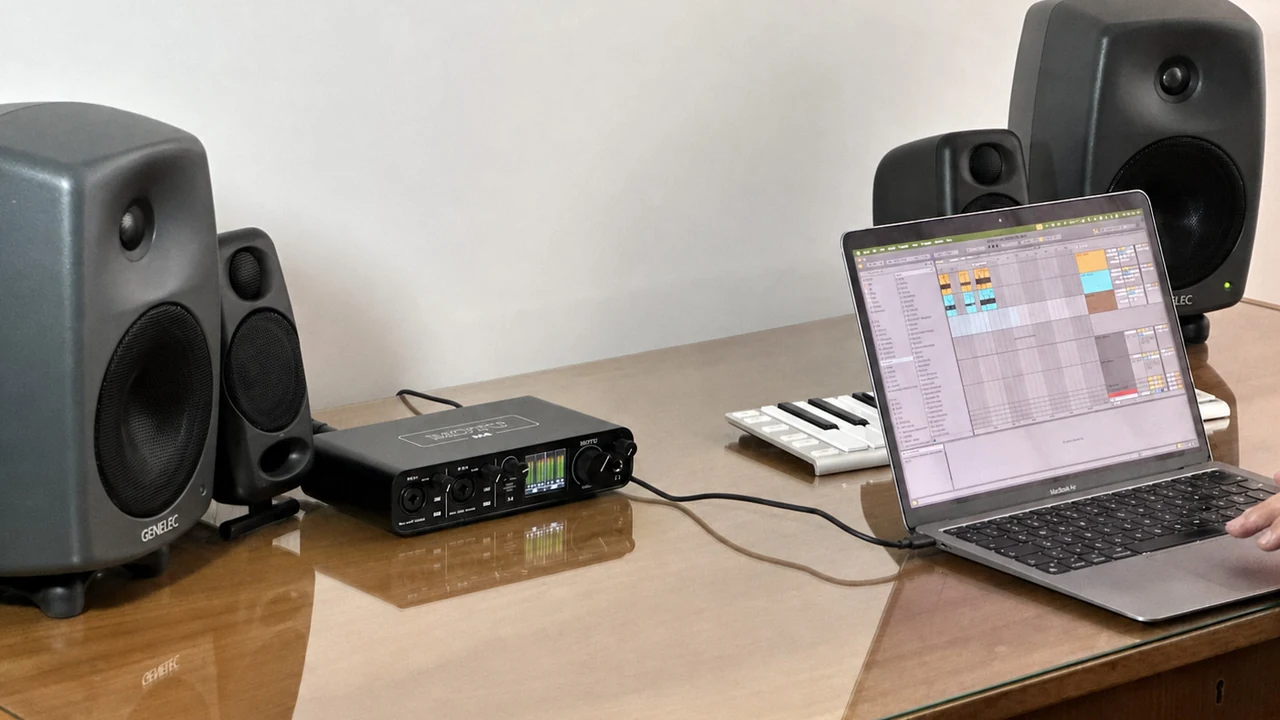
MOTU M4
In our reference setup, the selected M4 route responded to F10–F12 while direct monitoring remained a hardware function.
Open the interface guide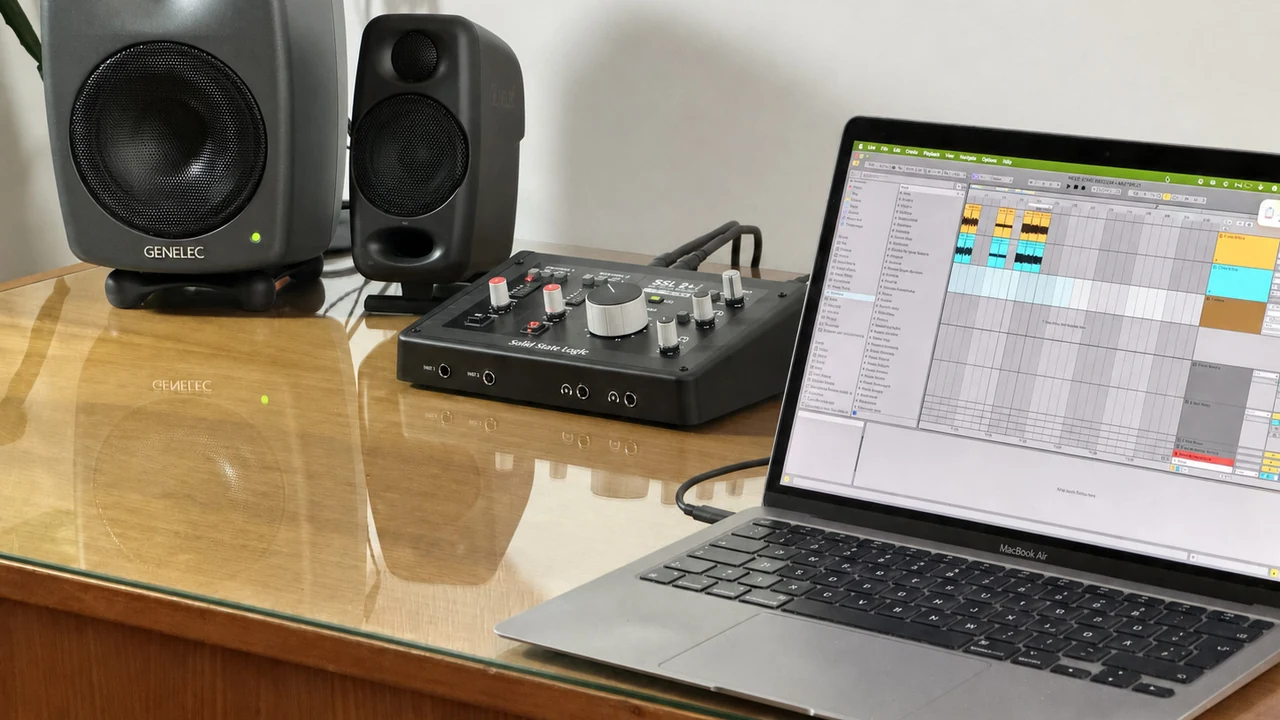
SSL 2 family
Use F10–F12 with a compatible SSL 2 family stereo output while the MONITOR control keeps its hardware role.
Open the family guide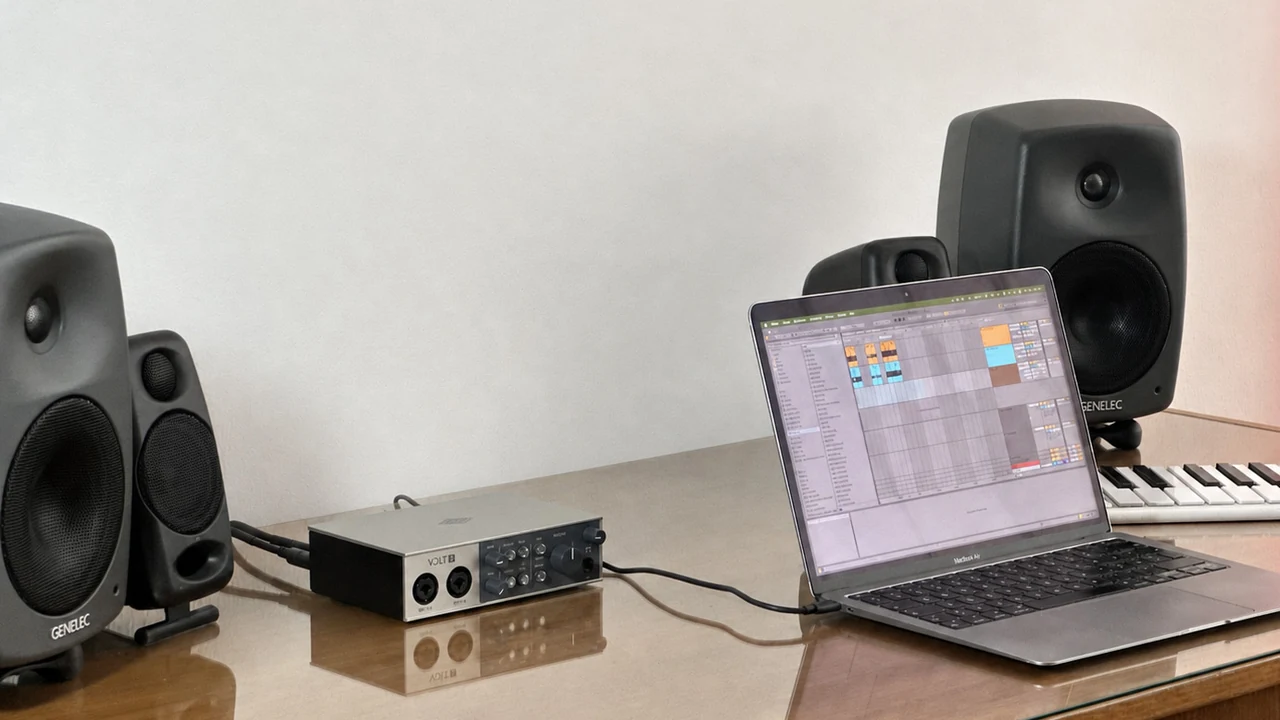
Universal Audio Volt 2
In our reference setup, the selected Volt 2 route responded to F10–F12 while the monitor control retained its hardware role.
Open the interface guideMade for more than five interfaces
A wide Core Audio range.
Five studio reference points.
VolumeKeys is designed for compatible stereo Core Audio outputs across many interfaces and displays. These five guides give you concrete starting points, including family-level guidance for Focusrite Scarlett and SSL 2 interfaces.
Use the complete seven-day trial on your actual Mac. Choose your device and output pair, then confirm that it fits your studio workflow before you buy.
Audio interface compatibility FAQ
Five reference points—not a support fence.
Does VolumeKeys work only with these five interfaces?+
No. These are the models with dedicated published reference guides. VolumeKeys is designed for compatible Core Audio outputs, including other audio interfaces and supported display audio paths. Because drivers expose routes differently, use the free trial for any model not listed.
What was observed on the five reference interfaces?+
In each reference setup, the device was available as a VolumeKeys target and the selected route responded to Mac mute, volume down and volume up. The individual guides explain the observed workflow, boundaries and need to verify your own configuration.
Will VolumeKeys change direct monitoring or recording gain?+
No. VolumeKeys controls Mac audio routed through its software path. Direct monitoring and input gain remain functions of the interface, and a DAW can select the hardware directly for recording.
How do I confirm my exact interface and output pair?+
Use the complete seven-day trial on your own Mac, driver and output pair. It includes every VolumeKeys feature so you can check the exact route before you decide to buy.
Your setup decides.
Seven days. Every feature.
Try VolumeKeys with the interface and speakers you actually use. The trial is the compatibility check, and the one-time purchase comes only after it works for you.
VolumeKeys is an independent product and is not affiliated with, endorsed by or sponsored by the interface manufacturers named above. Manufacturer and product names identify the independently documented reference hardware only. Results can vary with the Mac, driver and routing configuration.